FUNDAMENTALS OF MICROSOFT WORD

4.00
(1 Rating)

FUNDAMENTALS OF MICROSOFT WORD
Wishlist Share

About Course

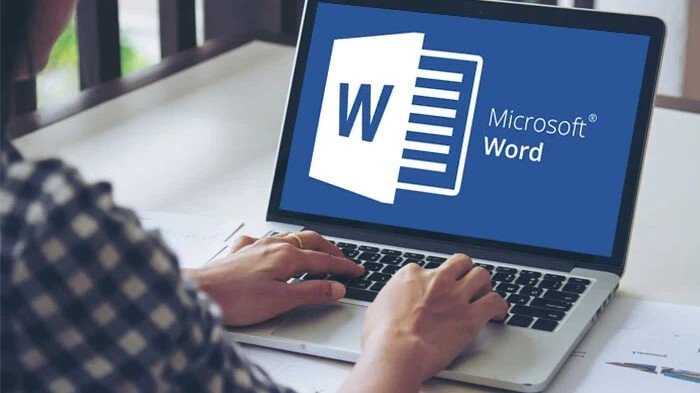
Microsoft Word is a widely used word processing application designed for creating, editing, formatting, and printing documents like letters, reports, and resumes. Key fundamentals include:

  • mastering the Ribbon interface (Home, Insert, Layout tabs),

  • saving files,

  • basic text editing,

  • font styling,

  • paragraph alignment, and

  • page layout adjustments.

FUNDAMENTALS OF MICROSOFT WORD

What Will You Learn?

  • You will discover and acquire knowledge of the MS Word environment:
  • - The Ribbon, learning how tools are organized into tabs (Home, Insert etc.).
  • - The Quick Access Toolbar, for rapid access to common commands like save,
  • - The Navigation Pane to facilitate document structure management and searching, etc.

Course Content

Introduction to MS Word

  • Introduction to the interface (ribbon, toolbar, navigation pane)
    00:52
  • Introduction to the interface

Student Ratings & Reviews

4.0
Total 1 Rating
5
0 Rating
4
1 Rating
3
0 Rating
2
0 Rating
1
0 Rating
EW
2 months ago
i loved taking this course, it was helpful.
Scroll to top